Hallo Olaf,
warum jetzt plötzlich was ganz anderes rauskommt ist mir unerklärlich.
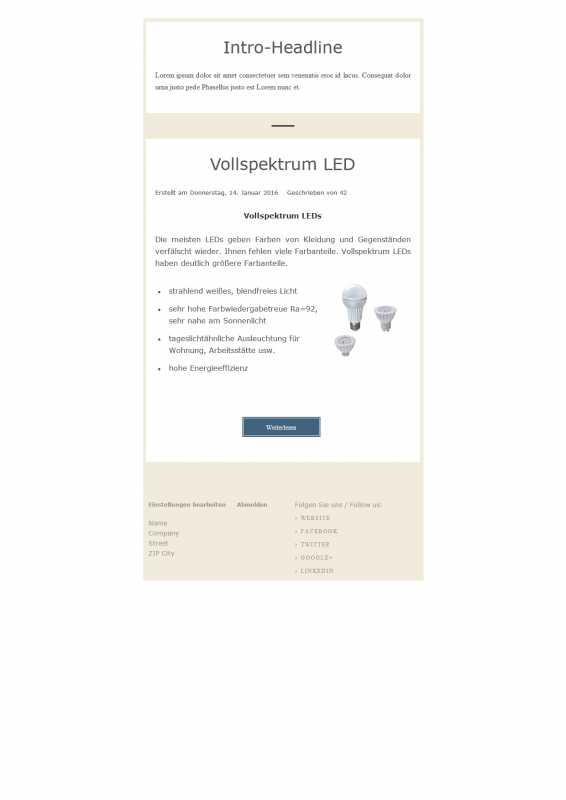
Auch bei meinem Outlook 2010 wird die Schrift als Times New Roman angezeigt.
Öffne ich die Mail im Browser wird alles wie gewünscht (serifenlos) angezeigt.
Aufgefallen ist mir, dass im CSS zweimal !important steht.
<!--[if gte mso 9]>
<style>
.spacer, .border, .column-top, .column-bottom {
mso-line-height-rule: exactly !important;
}
h1, h2, h3, blockquote p, blockquote ol, blockquote ul {
font-family: verdana, arial, sans-serif !important !important;
}
</style>
<![endif]-->
Ich hab mir jetzt mehrfach Mails zugeschickt und mit der unten angeführten Änderung wird alles in Verdana angezeigt.
<!--[if gte mso 9]>
<style>
.spacer, .border, .column-top, .column-bottom {
mso-line-height-rule: exactly !important;
}
h1, h2, h3, blockquote p, blockquote ol, blockquote ul {
font-family: verdana, arial, sans-serif !important;
}
body, table, tr, td, div, a, center {
font-family: verdana, arial, sans-serif !important;
}
</style>
<![endif]-->
Ich hoffe, das ist dann bei dir auch so.
Ändere bitte den oberen Abschnitt in die unteren Anweisungen ab.
Zu finden in der Tabelle "bwpostman_templates_tpl" - id 1, 2 und 3 - Spalte "css" (ganz am Ende).
Oder du importierst die angehängte SQL-Datei.
Gruß Karl